AI Notes Taker1.1
Publisher Description
AI Note Taker - Your Smart Assistant for Notes & Summaries
Turn your voice, videos, and text into organized, AI-powered notes effortlessly. AI Note Taker is the ultimate productivity tool designed to help you capture, transcribe, summarize, and organize your content with ease.
Key Features:
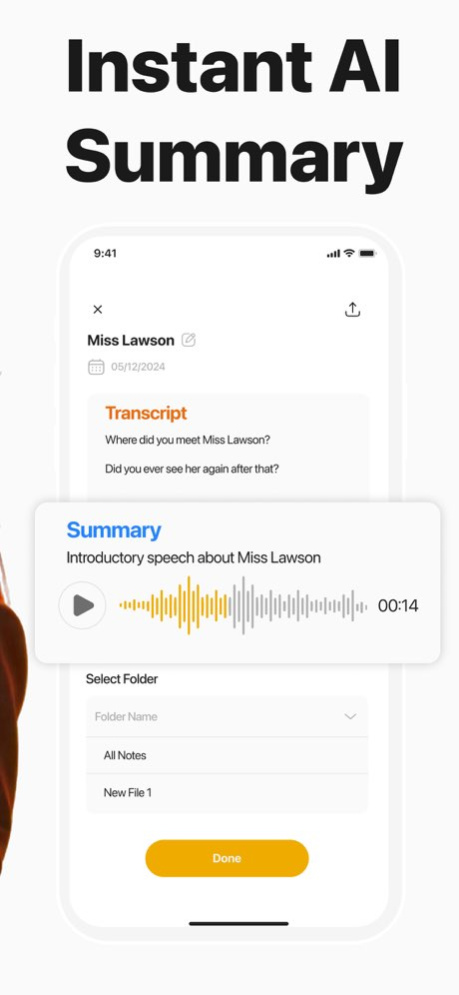
- Instant AI Summary- Get automatic summaries of your recordings in seconds.
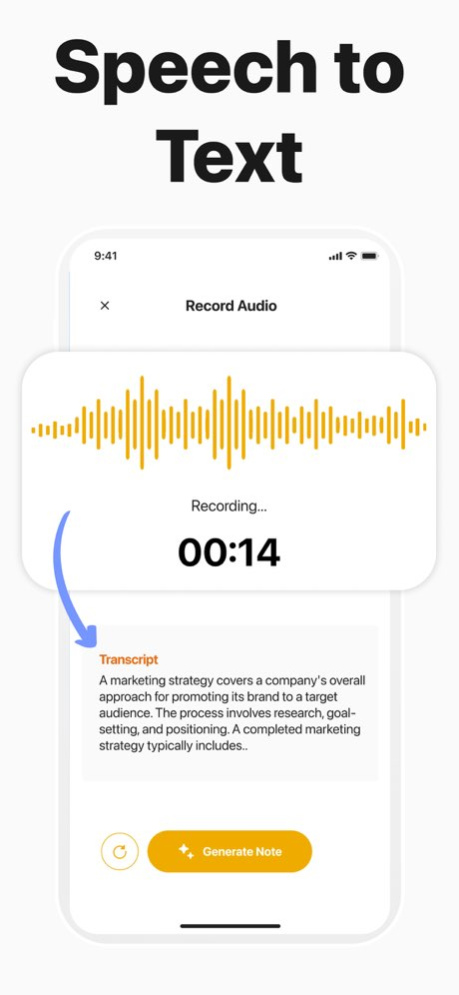
- Speech to Text - Convert any speech into accurate, real-time text.
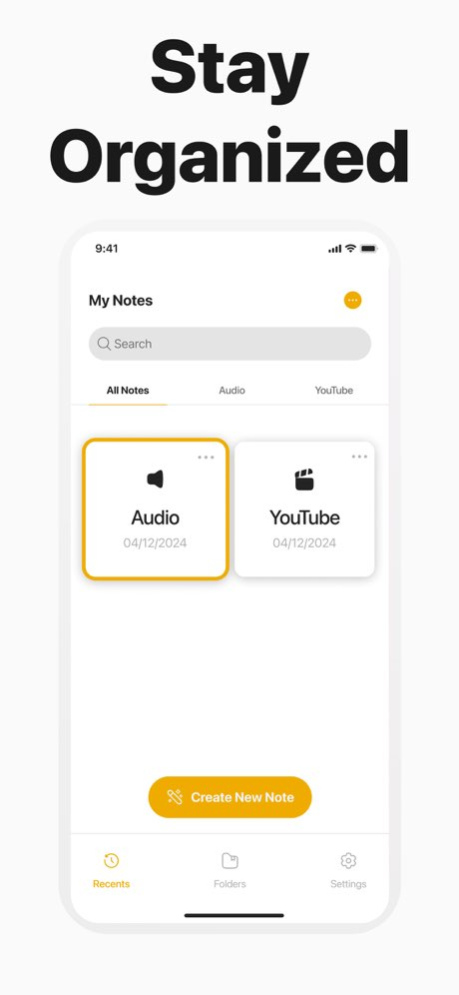
- Stay Organized - Manage your notes effortlessly with folders and categories.
- Summarize Videos- Extract key insights from YouTube and other videos.
- Record in Any Language - Supports multiple languages for seamless note-taking.
Whether you're a student, professional, or content creator, AI Note Taker simplifies your workflow and keeps your notes structured.
Download now and supercharge your productivity with AI.
privacy : https://glowvideo.io/ainotestaker/pp.pdf
terms of use : https://glowvideo.io/ainotestaker/tos.pdf
Version History UI bug fixes.
If you like our app, please consider rating us 5 stars. Thank you :) 1.1 02/27/2025 1.0 02/20/2025
About AI Notes Taker
The company that develops AI Notes Taker is Adir Kol. The latest version released by its developer is 1.1.
To install AI Notes Taker on your iOS device, just click the green Continue To App button above to start the installation process. The app is listed on our website since 2026-10-14 and was downloaded 1 times. We have already checked if the download link is safe, however for your own protection we recommend that you scan the downloaded app with your antivirus. Your antivirus may detect the AI Notes Taker as malware if the download link is broken.
How to install AI Notes Taker on your iOS device:
- Click on the Continue To App button on our website. This will redirect you to the App Store.
- Once the AI Notes Taker is shown in the iTunes listing of your iOS device, you can start its download and installation. Tap on the GET button to the right of the app to start downloading it.
- If you are not logged-in the iOS appstore app, you'll be prompted for your your Apple ID and/or password.
- After AI Notes Taker is downloaded, you'll see an INSTALL button to the right. Tap on it to start the actual installation of the iOS app.
- Once installation is finished you can tap on the OPEN button to start it. Its icon will also be added to your device home screen.
Program Details
System requirements
Download information
Pricing
Version History
version 1.1
posted on 2026-10-14
Version History UI bug fixes.
If you like our app, please consider rating us 5 stars. Thank you :) 1.1 02/27/2025 1.0 02/20/2025
version 1.1
posted on 2025-02-27
UI bug fixes.
If you like our app, please consider rating us 5 stars. Thank you :)
